
$4.17
Add to Cart
Tipard Screen Capture, Windows ,Digital Download only send by text/mail
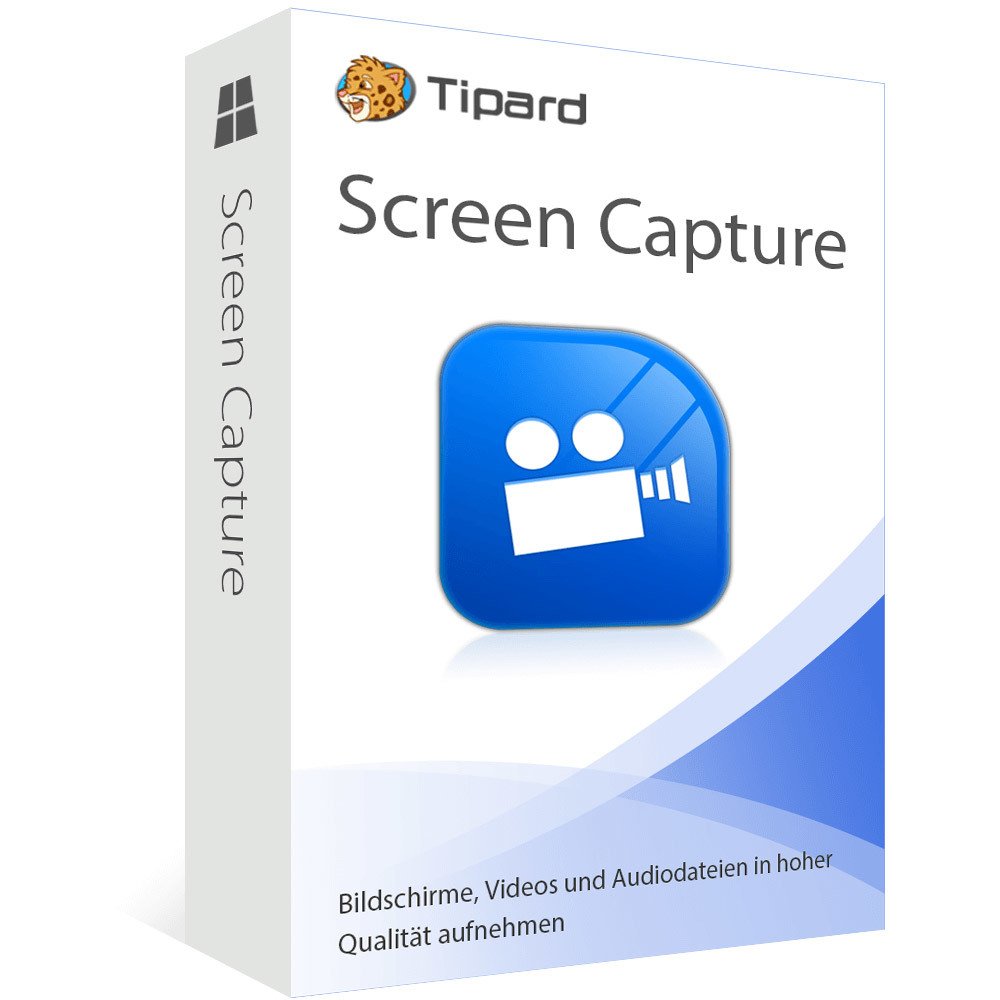
Tipard Screen Capture is the desktop recorder, which can output users 100% original quality media files. This screen recorder can give users an easier and cleaner interface to apply. All icons are easy to find. As for screen capture tools here, you can get many free spaces to operate. The 4K UHD video formats, 4K UHD encoding, HD video, SD video and audio formats here vary in the wide range. You can also output recorded videos and audios in popular types, in several choices.
For people who need to capture streaming videos from social video sharing platform, Tipard Screen Capture has gathered many online media websites, including YouTube, Facebook, Vimeo and etc. Before using this screen recorder software, you can customize screen capture size, whether to be full screen or set by length and width accurately. The various cursor effects allow teachers or others to record tutorials with better-expressing methods. The capture timer enables people to grab streaming audio and video in an undesirable easy way. As for the automatic preview feature, it is a nice way to check your output artwork, right?
If you use Screen Capture to take screenshots on Windows 10, you will surprise that the output quality is amazing. This screen capture program users could enjoy the highest quality output without concerning the problems with frame missing or images blurred. Other impressive features of this Windows 10 screen capturer. You can download and upload recorded videos to different locations, or use a normal phone ring. Being the Screen Recorder serial Windows alternative, the Screen Capture saves people from noise influence during media recordation.
For people who need to capture streaming videos from social video sharing platform, Tipard Screen Capture has gathered many online media websites, including YouTube, Facebook, Vimeo and etc. Before using this screen recorder software, you can customize screen capture size, whether to be full screen or set by length and width accurately. The various cursor effects allow teachers or others to record tutorials with better-expressing methods. The capture timer enables people to grab streaming audio and video in an undesirable easy way. As for the automatic preview feature, it is a nice way to check your output artwork, right?
If you use Screen Capture to take screenshots on Windows 10, you will surprise that the output quality is amazing. This screen capture program users could enjoy the highest quality output without concerning the problems with frame missing or images blurred. Other impressive features of this Windows 10 screen capturer. You can download and upload recorded videos to different locations, or use a normal phone ring. Being the Screen Recorder serial Windows alternative, the Screen Capture saves people from noise influence during media recordation.
You may also be interested in:
-
$232.34
-
$278.81
-
$108.42

-
$27.87

-
$139.40
-
$170.39
-
$253.95
-
$92.93
-
$139.40
-
$19.50


