
$27.21
Add to Cart
Reinstall Disk Compatible with MacOS 10.11 El Capitan Upgrade Restore
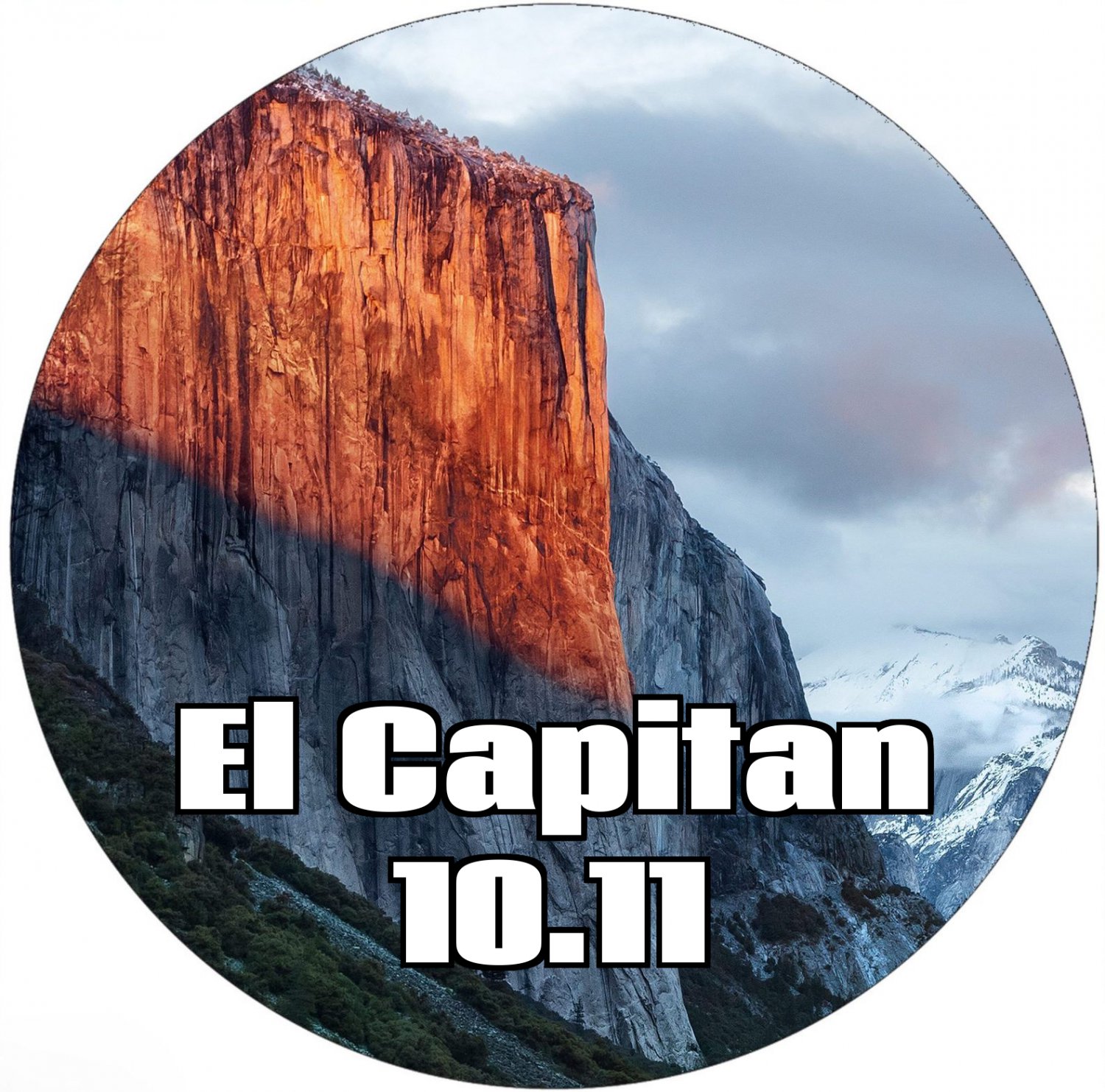
Apple Mac OS X 10.11 El Capitan Bootable DVD Clean Installer, Update Upgrade DVD
Mac OS X El Capitan 10.11 Bootable DVD Installer
IMPORTANT:
These DVDs are NOT produced by Apple. Apple never produced DVD installers for any of their OS software after 10.6 Snow Leopard. I make these DVDs myself using the official Apple installers which are freely available from the Apple website. You are paying for my time, materials and expertise to produce this DVD installer, not the software itself.
This dual layer DVD can be used to install a clean copy of OS X El Capitan or to update your existing system to OS X El Capitan
System Requirements
Mac with an Intel Processor
A working optical drive capable of reading dual layer DVDs
Minimum 2GB of RAM
Minimum 9GB of disk space available
Supported Models
iMac :Mid-2007 to Mid-2015
MacBook Air :Late 2008 onwards
MacBook :Late 2008 Aluminum, or Early 2009 onwards
Mac Mini :Early 2009 onwards
MacBook Pro :Mid/Late 2007 onwards
Mac Pro :Early 2008 onwards
Xserve :Early 2009
Installation Instructions
1. Insert the DVD disc in your optical drive.
2. Restart your mac.
3. When you hear the startup chime press and hold the option [alt] key on your keyboard.
4. Choose start from optical drive.
PLEASE NOTE
This Apple software is FREE to purchase to download from App store. You are buying a new DVD, postage/packaging and my time spent making this DVD.
Most older versions of Apple OS X operating systems are also available, just send me a message with your requirements and I’ll do my best to help.
All discs are made here and fully tested before shipping.
If you haver any problems installing then please contact me for assistance. Most installation errors are caused by faulty optical drives.
This OS installer requires dual layer discs. Please ensure your optical drive can read dual layer DVDs.
**Images in this listing are for the purpose of illustration only. You will receive a branded Dual Layer Bootable DVD loaded with the OS X El Capitan 10.11 installer.**
Most installation errors are caused by faulty optical drives.
This OS installer requires dual layer discs. Please ensure your optical drive can read dual layer DVDs.
Mac OS X El Capitan 10.11 Bootable DVD Installer
IMPORTANT:
These DVDs are NOT produced by Apple. Apple never produced DVD installers for any of their OS software after 10.6 Snow Leopard. I make these DVDs myself using the official Apple installers which are freely available from the Apple website. You are paying for my time, materials and expertise to produce this DVD installer, not the software itself.
This dual layer DVD can be used to install a clean copy of OS X El Capitan or to update your existing system to OS X El Capitan
System Requirements
Mac with an Intel Processor
A working optical drive capable of reading dual layer DVDs
Minimum 2GB of RAM
Minimum 9GB of disk space available
Supported Models
iMac :Mid-2007 to Mid-2015
MacBook Air :Late 2008 onwards
MacBook :Late 2008 Aluminum, or Early 2009 onwards
Mac Mini :Early 2009 onwards
MacBook Pro :Mid/Late 2007 onwards
Mac Pro :Early 2008 onwards
Xserve :Early 2009
Installation Instructions
1. Insert the DVD disc in your optical drive.
2. Restart your mac.
3. When you hear the startup chime press and hold the option [alt] key on your keyboard.
4. Choose start from optical drive.
PLEASE NOTE
This Apple software is FREE to purchase to download from App store. You are buying a new DVD, postage/packaging and my time spent making this DVD.
Most older versions of Apple OS X operating systems are also available, just send me a message with your requirements and I’ll do my best to help.
All discs are made here and fully tested before shipping.
If you haver any problems installing then please contact me for assistance. Most installation errors are caused by faulty optical drives.
This OS installer requires dual layer discs. Please ensure your optical drive can read dual layer DVDs.
**Images in this listing are for the purpose of illustration only. You will receive a branded Dual Layer Bootable DVD loaded with the OS X El Capitan 10.11 installer.**
Most installation errors are caused by faulty optical drives.
This OS installer requires dual layer discs. Please ensure your optical drive can read dual layer DVDs.


