
$94.42
Add to Cart
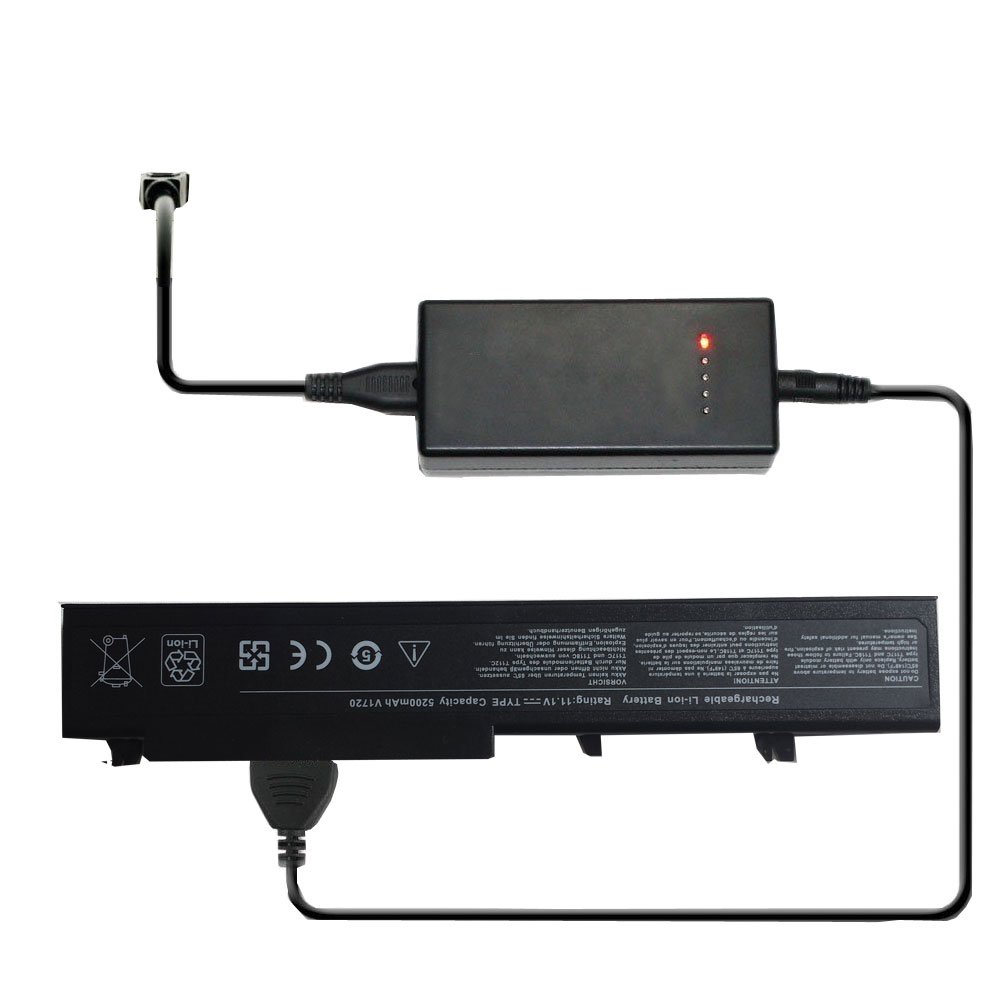
Oem Laptop Battery Charger for Dell Inspiron 1120 1121 M101 M101C M101Z M101ZD M101ZR M102z M102ZD
More than 10 available
Details
Shipping: Australia: $7.00 (more destinations)
Condition: Brand new
Returns: 30 days, seller pays return shipping (more)
New External Laptop Battery Charger
Charges Laptop Batteries' part numbers: Dell 02XRG7 079N07
Charges Batteries for following Laptops: Dell Inspiron 1120 1121 M101 M101C M101Z M101ZD M101ZR M102z M102z-1122 M102ZD
Functions:
1. You can charge your orignal battery or spare one with this charger directly. Do not need the AC adapter.
2. Read battery information from the battery protective plate and then regulate the output voltage and current.
3. With five LEDs, four green for charging status and one red for power indicating.
4. Intelligent protection against over-current, over-voltage, over-charge, over-heat and short circuit.
5. With the repair zero-voltage-battery function.
6. Simplify charging process, save your time and keep your laptop in good condition, especially if you own two batteries or more.
(BATTERY IS NOT INCLUDED)
Charging Instruction:
Normal Working condtion:
Four green charging lights and the power light go on after switching on. The charger reads the battery information
from the battery protective plate, and then starts charging. If the battery comes with SMBUS, the four LED's will show
the capacity status.
Charger green LED status shows Capacity Percentage is as follows:
All the four LEDs blink circularly: < 25% Capacity Percentage.
LED1 is on, the other three LEDs blink circularly: < 50%
Both LED1 and LED2 are on, Both LED3 and LED4 blink circularly: < 75%
LED4 blinks. The other three LEDs are on: < 100%
All the four LEDs are on. = 100%
Charges Laptop Batteries' part numbers: Dell 02XRG7 079N07
Charges Batteries for following Laptops: Dell Inspiron 1120 1121 M101 M101C M101Z M101ZD M101ZR M102z M102z-1122 M102ZD
Functions:
1. You can charge your orignal battery or spare one with this charger directly. Do not need the AC adapter.
2. Read battery information from the battery protective plate and then regulate the output voltage and current.
3. With five LEDs, four green for charging status and one red for power indicating.
4. Intelligent protection against over-current, over-voltage, over-charge, over-heat and short circuit.
5. With the repair zero-voltage-battery function.
6. Simplify charging process, save your time and keep your laptop in good condition, especially if you own two batteries or more.
(BATTERY IS NOT INCLUDED)
Charging Instruction:
Normal Working condtion:
Four green charging lights and the power light go on after switching on. The charger reads the battery information
from the battery protective plate, and then starts charging. If the battery comes with SMBUS, the four LED's will show
the capacity status.
Charger green LED status shows Capacity Percentage is as follows:
All the four LEDs blink circularly: < 25% Capacity Percentage.
LED1 is on, the other three LEDs blink circularly: < 50%
Both LED1 and LED2 are on, Both LED3 and LED4 blink circularly: < 75%
LED4 blinks. The other three LEDs are on: < 100%
All the four LEDs are on. = 100%


 CN, Jiang Xi
